
User Research Notes Template: Free Session Notes Guide for UX Researchers
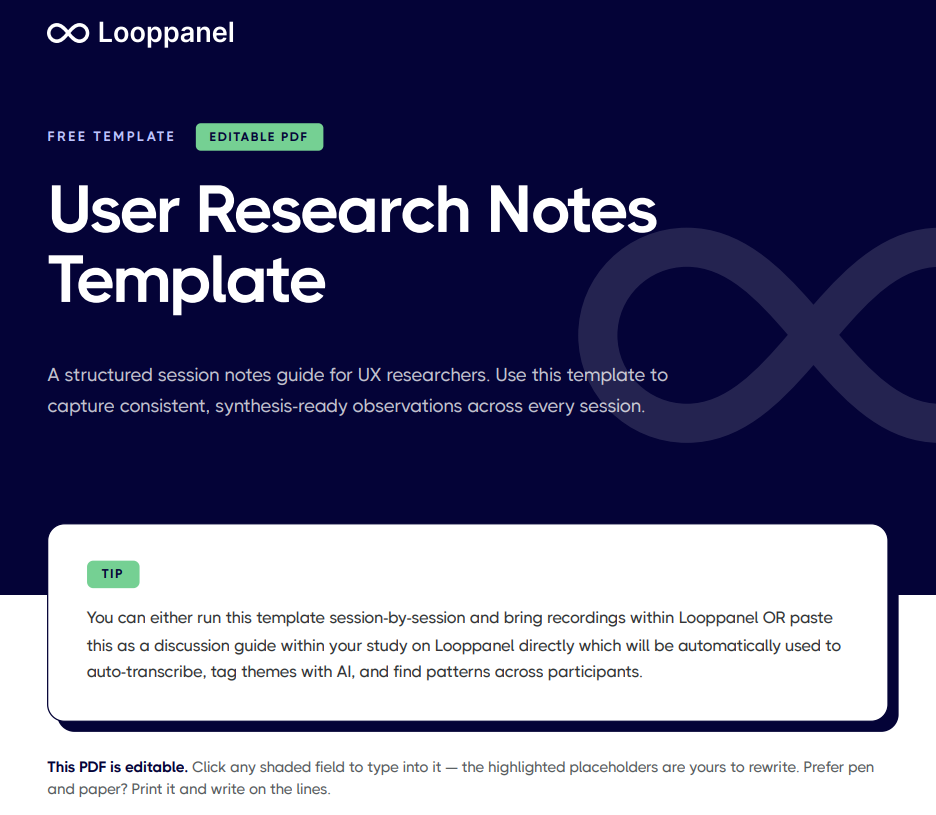
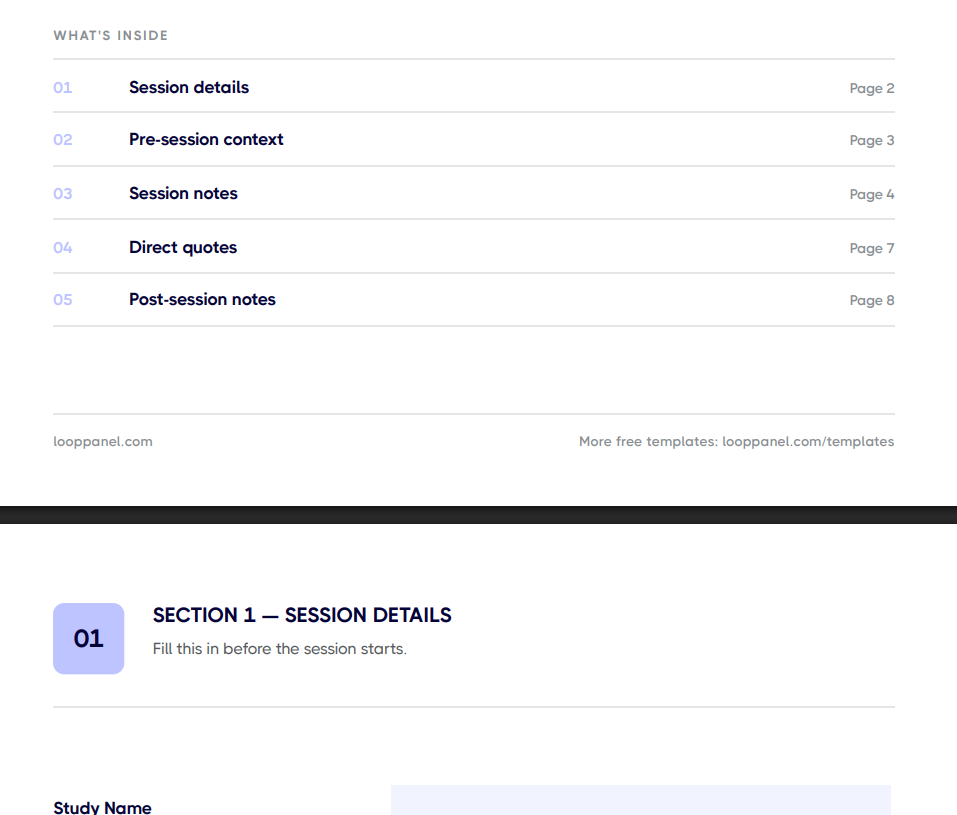
Keep session notes consistent across your team with the free user research notes template in Looppanel, built for UX researchers running multi-participant studies. It gives you one repeatable layout per session - observations, direct quotes, follow-up flags — so notes are ready for synthesis the moment a session ends





Frequently Asked Questions
What should a user research notes template include?
A user research notes template should include a session header with participant details and study context, sections aligned to the discussion guide so notes are tied to specific questions, a direct quotes field, an observations field for contextual notes, a surprises section, and a post-session synthesis block to capture themes while the session is still fresh.
What is the difference between a user research notes template and a note-taking template?
They cover the same ground and the terms are often used interchangeably. A user research notes template tends to emphasize the output structure across sessions, while a note-taking template tends to emphasize the in-session capture format. Both serve the same goal: consistent, analyzable notes across participants.
How do you take research notes without missing what the participant is saying?
Use shorthand and a structured template so you are filling in fields rather than writing prose. Capture timestamps, direct quotes, and standout moments rather than trying to transcribe everything. Record the session and use Looppanel to auto-transcribe so your notes are a supplement, not the primary record.
How do you share research notes with a cross-functional team?
Structure notes in a consistent format across sessions before sharing. A shared document with one section per participant works for small teams. For larger studies, a tool that allows tagging and filtering by theme is significantly more useful than a folder of raw session notes.
How soon after a session should you write up research notes?
Within 10 minutes of the session ending if possible. Memory degrades quickly and the emotional texture of what you observed is hardest to recover from a recording alone. A brief post-session synthesis block filled in immediately is worth far more than detailed notes written two days later.
Can Looppanel replace the need for research notes entirely?
Looppanel handles the transcription and theme-tagging that makes up the most time-consuming part of note synthesis. In-session notes still add value because they capture your immediate interpretations and non-verbal observations that the transcript alone does not convey. The most efficient workflow is lightweight in-session notes plus Looppanel for post-session analysis.
Should user research sessions be recorded?
Yes, whenever participants consent to it. Recordings give you exact quotes, let you catch moments your notes missed, and let you share clips with stakeholders. Also with Looppanel Notetaker, you can bookmark important moments followed by AI notes pulled for your research notes guide.
Stay in the loop
Get the latest news and jobs in UX, in your inbox every two weeks.

.svg)


