

All your tools.
One workflow.

Connect Looppanel with the tools your team already uses — from conferencing platforms

to CRM and more.

Call recordings
Microsoft Teams logo with white T on blue and purple abstract shapes.
Teams
Google Meet logo with a multicolored camera icon in red, yellow, blue, and green.
Google Meet
White video camera icon on a blue circular background representing Zoom app.
Zoom
Google Calendar app icon with a blue, green, yellow, and red color scheme showing the number 31.
Google Calendar
Sales & Support data
Orange HubSpot logo with interconnected nodes around a central circle.
Hubspot
Zendesk icon with a white stylized 'Z' on a black square background.
Zendesk
Purple starburst shape with jagged edges on a transparent background.
Gong
Usability tests & Surveys
Qualtrics logo with blue and green gradient design on black background.
Qualtrics
Blue chat bubble with a bold black letter U inside.
UserTesting
DScout
Share insights
Blue stylized J shapes forming a triangular pattern on a white background.
Jira
Slack logo with colorful overlapping shapes in blue, green, red, and yellow.
Slack
Blue abstract curved shapes resembling a stylized letter C and a reversed C on a white background.
Confluence
Bring data in
Microsoft Teams logo with white T on blue and purple abstract shapes.
Teams
Google Meet logo with a multicolored camera icon in red, yellow, blue, and green.
Google Meet
White video camera icon on a blue circular background representing Zoom app.
Zoom
Google Calendar app icon with a blue, green, yellow, and red color scheme showing the number 31.
Google Calendar
Support tickets
Orange HubSpot logo with interconnected nodes around a central circle.
Hubspot
Zendesk icon with a white stylized 'Z' on a black square background.
Zendesk
Purple starburst shape with jagged edges on a transparent background.
Gong
Usability tests & Surveys
Qualtrics logo with blue and green gradient design on black background.
Qualtrics
Blue chat bubble with a bold black letter U inside.
UserTesting
DScout
Share insights
Blue stylized J shapes forming a triangular pattern on a white background.
Jira
Slack logo with colorful overlapping shapes in blue, green, red, and yellow.
Slack
Blue abstract curved shapes resembling a stylized letter C and a reversed C on a white background.
Confluence
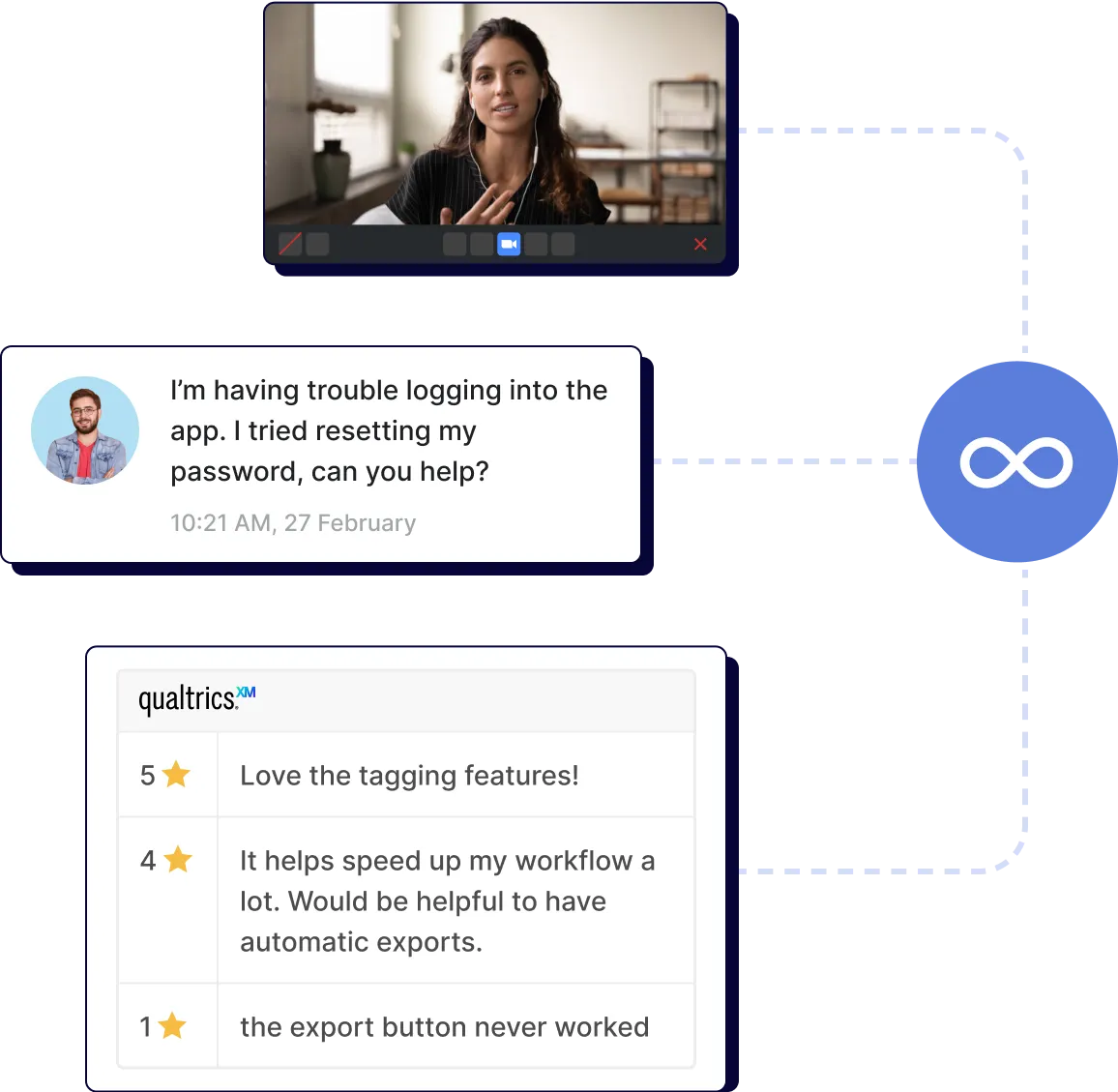
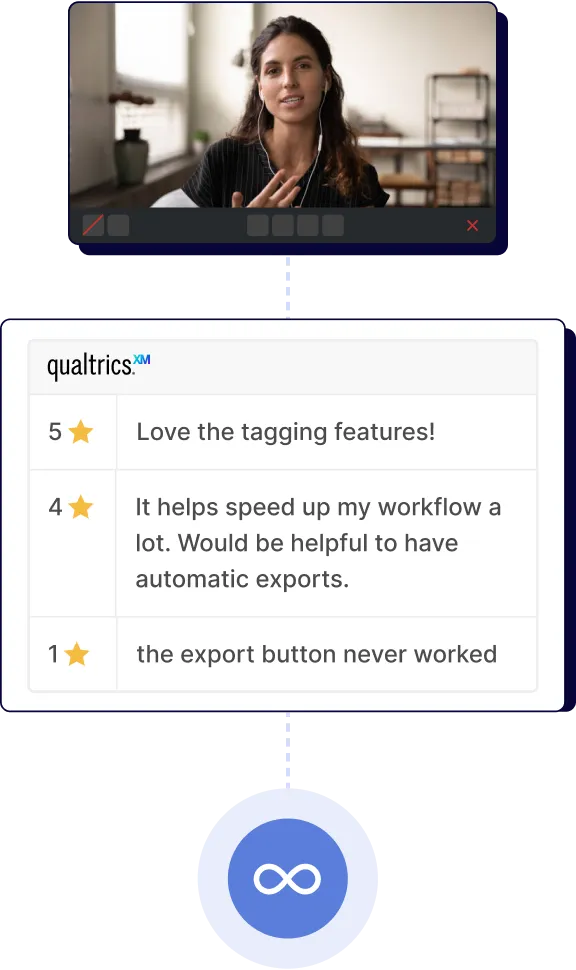
Woman in video call, chat asking for app login help, and user ratings with feedback on features.Woman on video call discussing tagged reviews with star ratings and feedback comments in a workflow app interface.

Connect all your research data.

White video camera icon on a blue circular background representing Zoom app.
Zoom
Auto-record interviews and capture key moments with time-stamped notes.

Blue chat bubble with a bold black letter U inside.
UserTesting
Analyze and query across your data in Looppanel with unparalleled efficiency.

Qualtrics logo with blue and green gradient design on black background.
Qualtrics
Centralize your survey results and analyze any open-ends.
White video camera icon on a blue circular background representing Zoom app.
Zoom
Auto-record interviews and capture key moments.
Blue chat bubble with a bold black letter U inside.
UserTesting
Analyze and query across your data in Looppanel.
Qualtrics logo with blue and green gradient design on black background.
Qualtrics
Centralize and analyze any open-ends.

Microsoft Teams logo with white T on blue and purple abstract shapes.
Google Meet logo with a multicolored camera icon in red, yellow, blue, and green.
Google Calendar app icon with a blue, green, yellow, and red color scheme showing the number 31.
Zendesk icon with a white stylized 'Z' on a black square background.
+3
Microsoft Teams logo with white T on blue and purple abstract shapes.
Google Meet logo with a multicolored camera icon in red, yellow, blue, and green.
Google Calendar app icon with a blue, green, yellow, and red color scheme showing the number 31.
+4

Share insights across your stack.

Slack logo with colorful overlapping shapes in blue, green, red, and yellow.
Slack
Keep your team aligned and up to date with your latest reports and insights.

Blue stylized J shapes forming a triangular pattern on a white background.
Jira
Show engineers video highlights of user pain points to guide development.

Blue abstract curved shapes resembling a stylized letter C and a reversed C on a white background.
Confluence
Embed videos and reports into your Confluence pages to stay coordinated.
Slack logo with colorful overlapping shapes in blue, green, red, and yellow.
Slack
Keep your team aligned with your latest insights.
Blue stylized J shapes forming a triangular pattern on a white background.
Jira
Show user pain point highlights to engineers.
Blue abstract curved shapes resembling a stylized letter C and a reversed C on a white background.
Confluence
Embed videos and reports to stay coordinated.
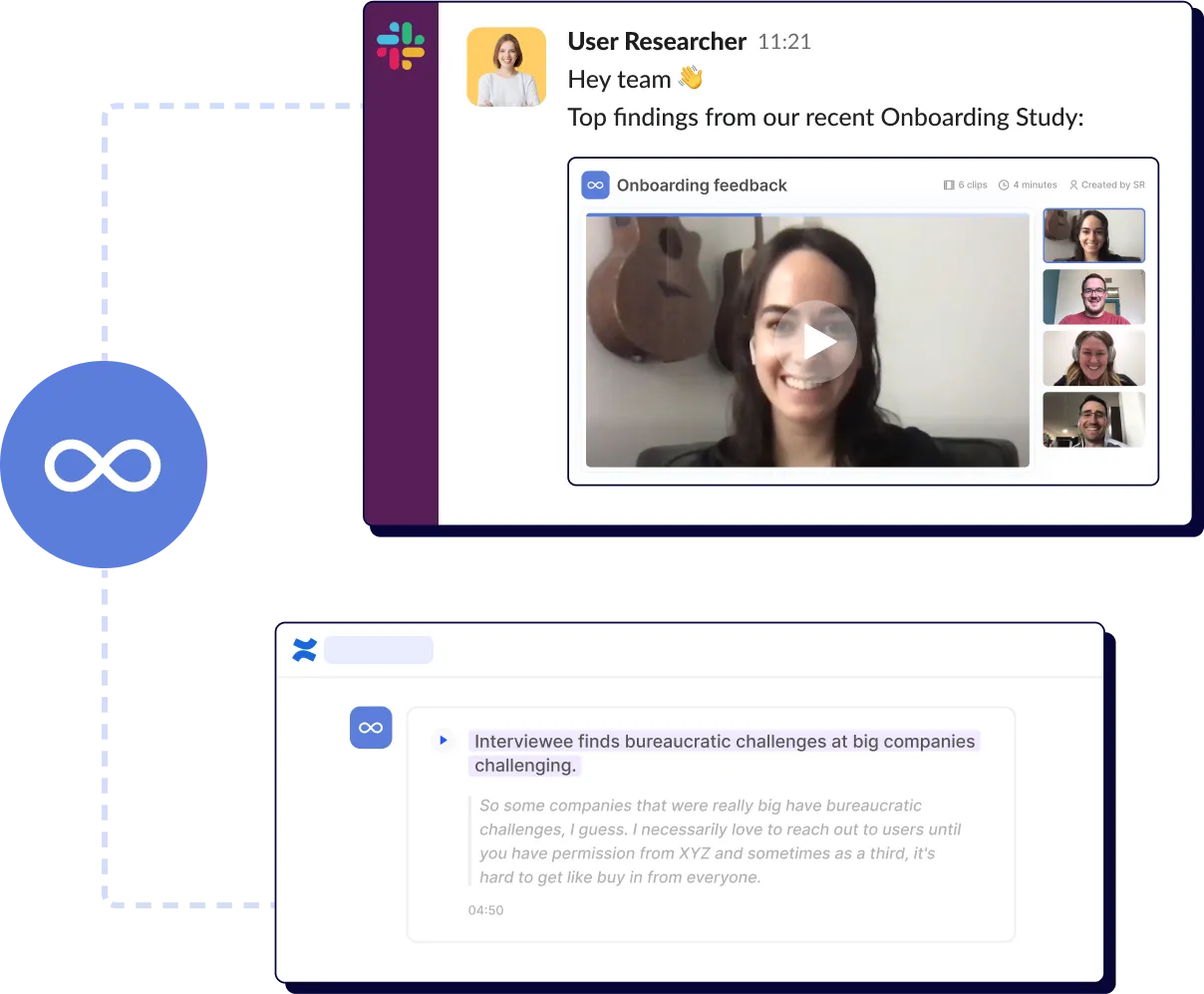
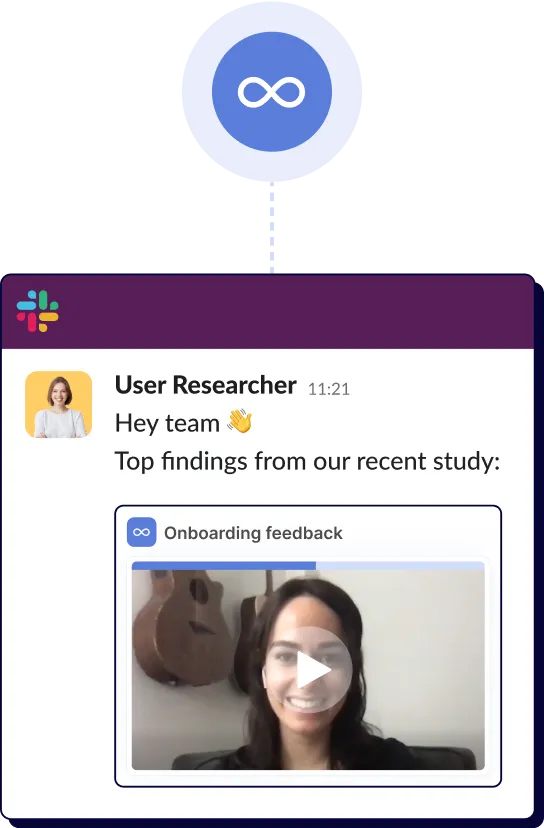
Slack message with onboarding study findings and video call thumbnails of four smiling participants.Slack message from User Researcher sharing top findings with a video thumbnail of a smiling woman with guitars behind.
Blue chip with white infinity symbol and eight connecting lines extending outward on black background.

Custom workflows? We've got your back.

Use Looppanel's open API to extend
functionality and meet your team's unique research needs.

Want to connect a tool we don’t support?

We are actively expanding our integration ecosystem, and your feedback helps shape our roadmap.

Frequently Asked Questions

Can I upload old recordings from other tools?

Yes! Upload any past recordings, and Looppanel will immediately generate transcripts, notes, and tags.

How secure are these integrations?

All integrations are implemented with enterprise-grade security standards. We use OAuth 2.0 for authentication, maintain end-to-end encryption for all data transfers, and never store your credentials. Our integrations comply with our SOC2 Type II and GDPR commitments, ensuring your research data remains protected across your entire workflow.

Do you support custom integrations

Yes! Enterprise customers have access to our API and developer support for building custom integrations. Whether you need to connect with proprietary internal systems or specialized research tools, our team can help you create seamless workflows tailored to your organization's specific needs. Contact our sales team to discuss specific custom integration requirements.

I have another question. How can I reach your team?

Drop us a note at support@looppanel.com

Go from chaos to clarity.

By clicking “Accept All Cookies”, you agree to the storing of cookies on your device to enhance site navigation, analyze site usage, and assist in our marketing efforts. View our Privacy Policy for more information.