



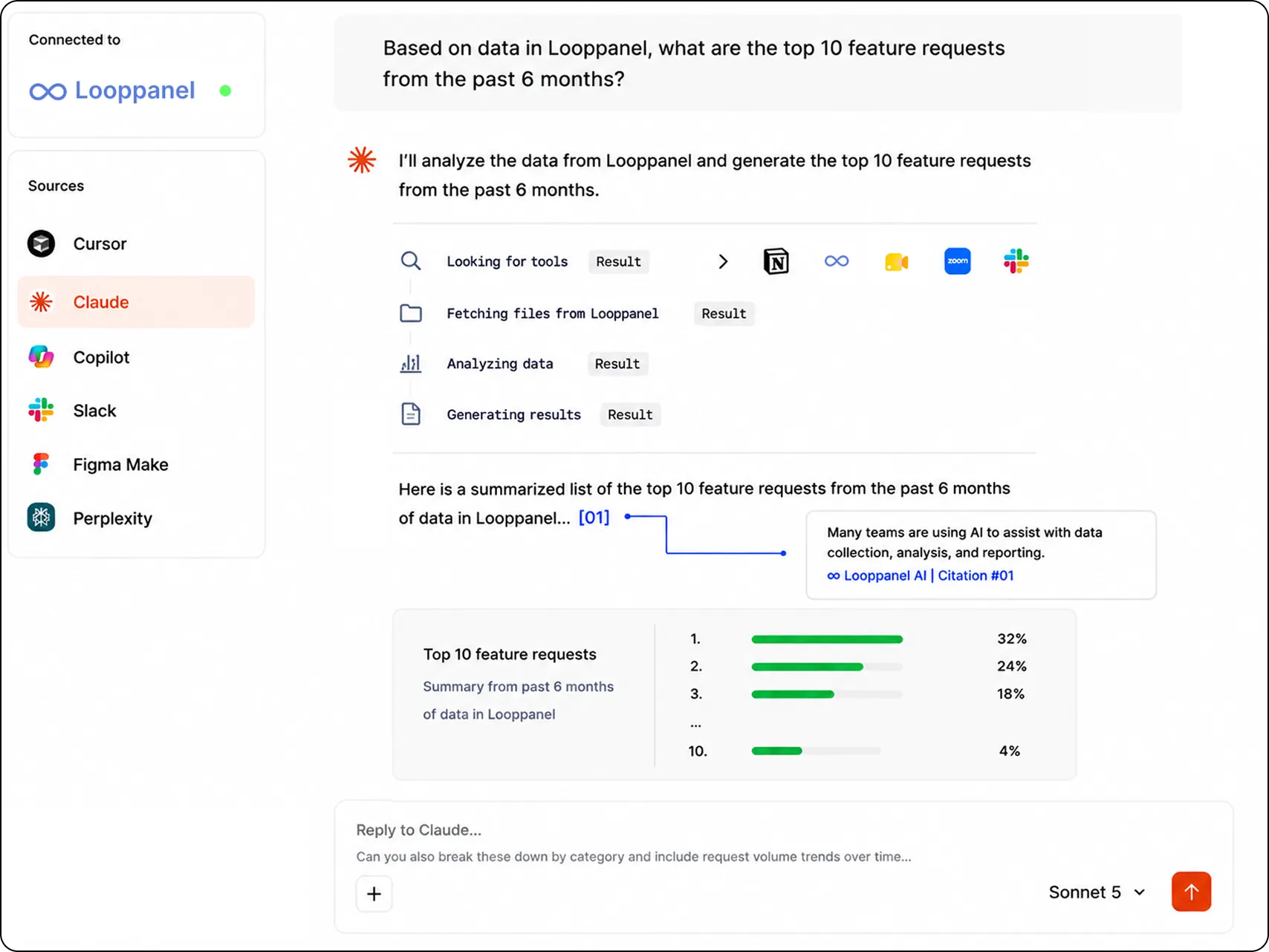
Find the answers to your questions where you already work
AI tools have become part of how your team works, and Looppanel MCP plugs every one of those chats into the research you already have.
Works with any MCP-compatible tool
No new tool to learn

MCP

Built for how modern teams research now
Three things your team can do the moment Looppanel is connected.

Ask in natural language
Search across your tags, insights, guide questions, and sessions and surface what’s relevant without leaving your workflow.
Try :
"What did people say about our onboarding flow in the enterprise study?"
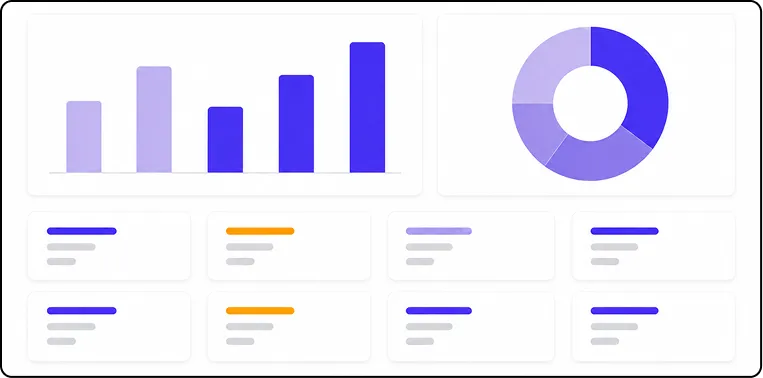
Build the visuals that carry the argument
Turn your research into affinity maps, charts, and any other visual your stakeholders need, built from real evidence rather than a summary of it.
Try :
"Build an affinity map of the themes in the checkout study, and show how many participants raised each one."
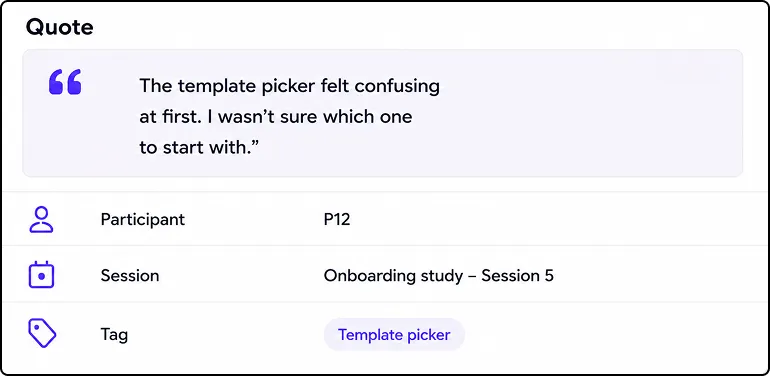
Traceability built into every finding
Ask for the evidence behind any claim and get the quote, the participant, and the session it came from, plus a clear answer when your research doesn’t cover the question.
Try :
"Show me the quotes behind that, with the participant and the session."
How to connect Looppanel MCP
You’re three steps away from connecting any AI assistant to a single source of truth.
01
Get your connection details
Open Looppanel and go to Settings › MCP. Create your MCP config, then choose the scope: leave projects empty for the whole workspace, or pick specific ones to expose only those studies in chat.
02
Add Looppanel as a custom connector
Add Looppanel inside your AI assistant. Works with any MCP-compatible tool, and users can switch it on from Settings › Developer › MCP.
03
Put your research to work
Explore what you have, layer in your own context, and turn it into reports, briefs, plans, and presentations.


Frequently Asked Questions
What is MCP?
MCP, or the Model Context Protocol, is an open standard developed by Anthropic that lets AI tools connect securely to outside data sources.
Looppanel uses it to give tools like Claude and ChatGPT direct access to your research, so their answers come from your users instead of from the internet.
Which AI tools can I connect?
Claude Desktop, ChatGPT, and Cursor today, plus any other tool that supports MCP.
As more tools adopt the standard, Looppanel will work with them without any change on your side.
What can an AI tool see in my workspace?
Your studies, sessions, transcripts, session summaries, tags, insights, and the notes and quotes your team has highlighted, including answers organized by discussion guide question.
Everything an AI tool returns is drawn from that data and points back to it.
Can an AI tool change my research?
No. Looppanel MCP is read-only, so connected tools can search and read but can't tag, edit, re-analyze, or delete anything.
How is access controlled?
You get access to exactly the research already shared with you in Looppanel, and your existing permissions carry over to the connected AI tool.
Research outside that scope isn't visible to the AI tool at all.

.svg)


