
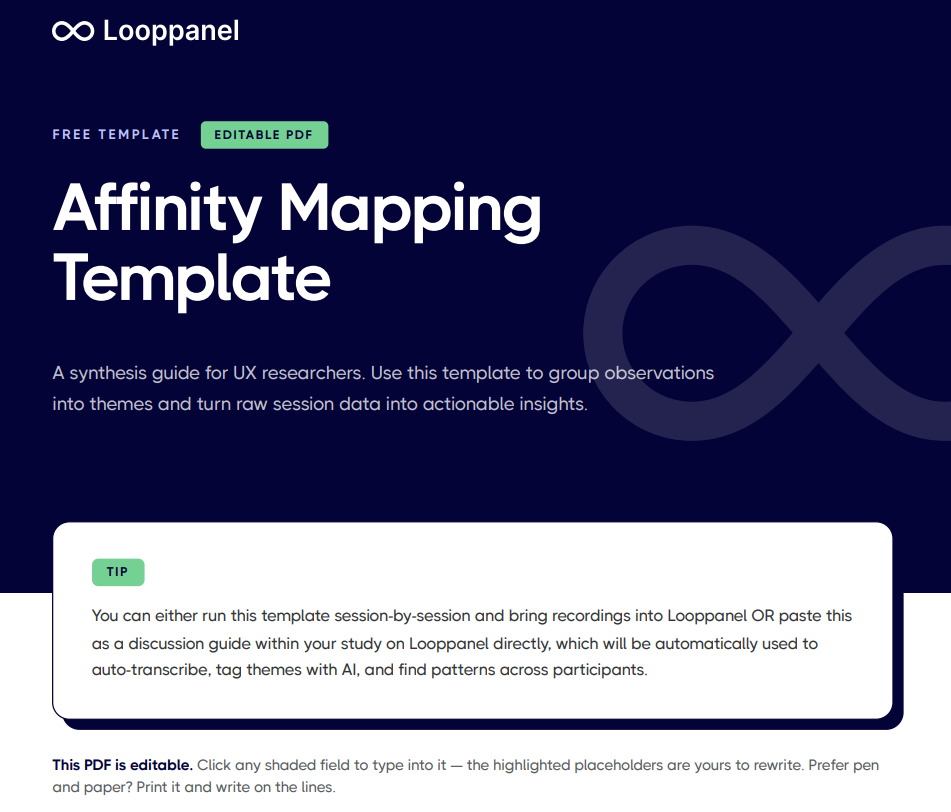
Affinity Mapping Template: Free Synthesis Guide for UX Researchers
Turn scattered observations into themes with the free affinity mapping template in Looppanel, built for UX researchers and designers running synthesis. It takes you from raw data dump through grouping notes and theme labelling so a synthesis session produces decisions.




Frequently Asked Questions
What is affinity mapping in UX research?
Affinity mapping is a synthesis method where observations, quotes, and notes from research sessions are written onto individual items and then grouped into clusters based on similarity. The clusters are labelled with themes, which become the basis for insights and recommendations.
What should an affinity mapping template include?
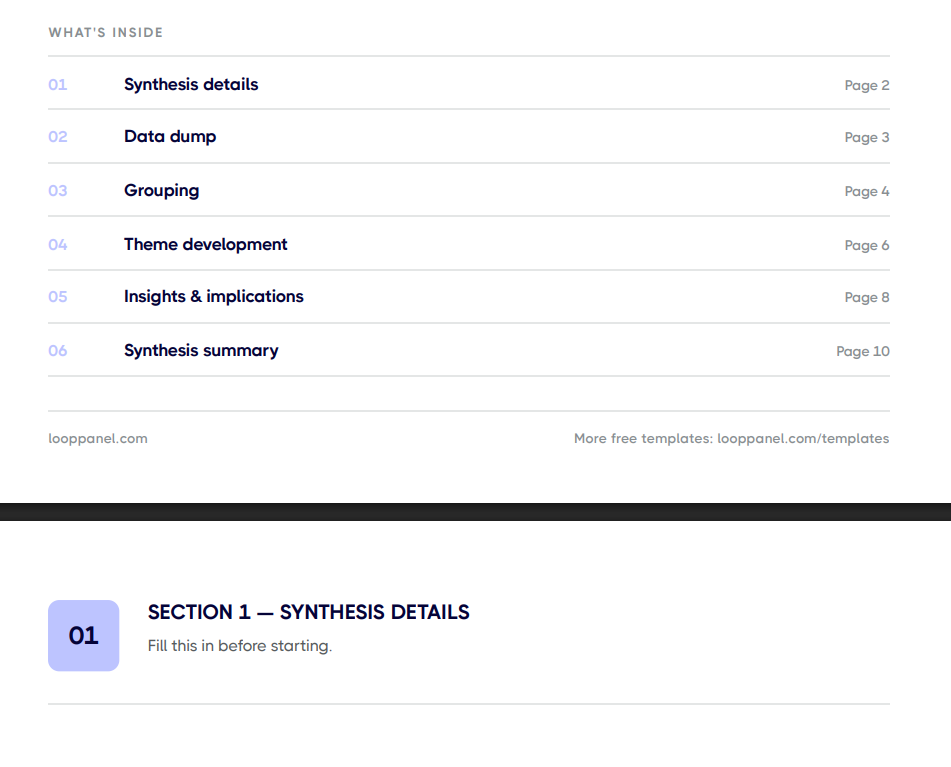
An affinity mapping template should include a data dump phase to surface all raw observations, a grouping phase to cluster related items, a theme labelling phase to name each cluster, an insights phase to draw conclusions from the themes, and an implications phase to translate insights into recommendations.
How many participants do you need for affinity mapping to be meaningful?
Affinity mapping is most useful when you have data from at least 4 to 5 sessions. With fewer sessions, patterns are harder to distinguish from individual outliers. With more than 15 sessions, the volume of data can make the grouping phase unwieldy without a tool to support it.
How long does an affinity mapping session take?
A single researcher working with data from 5 to 8 sessions typically needs 2 to 4 hours. A collaborative session with a cross-functional team can take longer due to discussion, but often produces richer insights because multiple perspectives inform the grouping decisions.
What is the difference between affinity mapping and thematic analysis?
Affinity mapping is a visual, often collaborative process of grouping observations into clusters. Thematic analysis is a more structured qualitative method that involves systematic coding of data before grouping. Affinity mapping is faster and more collaborative. Thematic analysis is more rigorous and better suited to high-stakes research contexts.
Can you do affinity mapping without physical sticky notes?
Yes. Digital tools like FigJam, Miro, and Notion work well for remote or distributed teams. Looppanel takes a different approach by letting you tag themes with the help of AI directly on transcripts, so the grouping happens on the source data rather than an abstracted note.
How does Looppanel support affinity mapping?
Looppanel auto-transcribes sessions and lets you tag themes with the help of AI, which replaces the data dump and initial grouping phases of affinity mapping. You can surface patterns from the tag view within minutes, so synthesis takes hours instead of days.
Stay in the loop
Get the latest news and jobs in UX, in your inbox every two weeks.

.svg)


