
Thematic Analysis Template: Free Synthesis Guide for UX Researchers
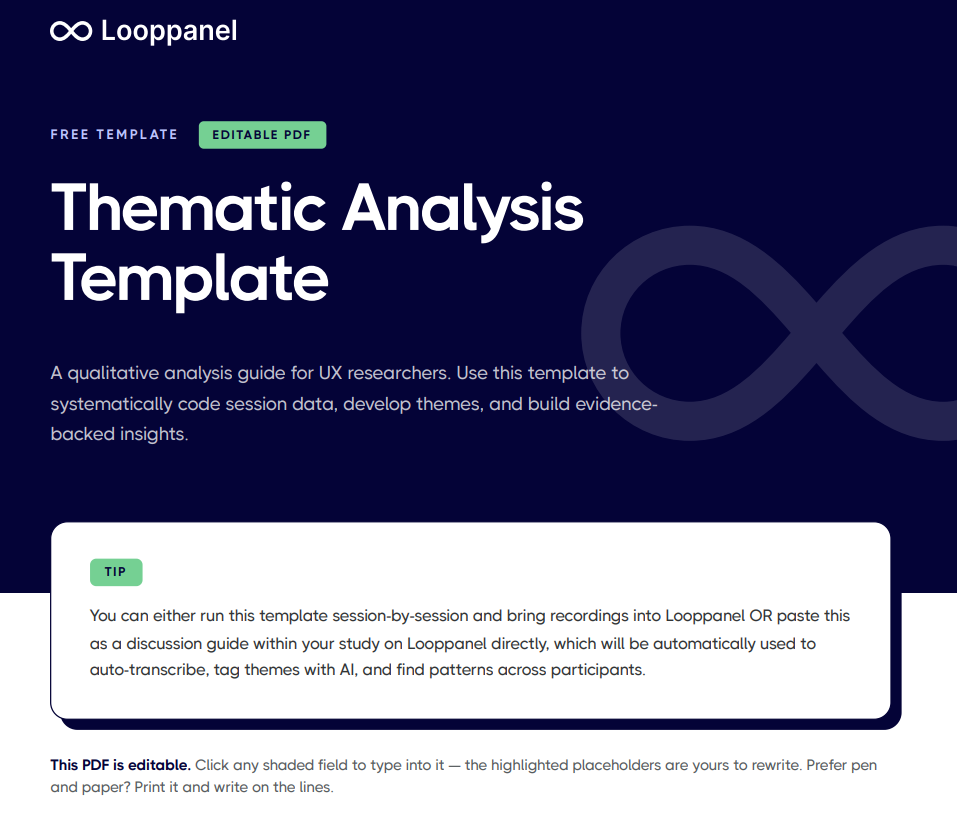
Analyze qualitative data with a method you can defend using the free thematic analysis template in Looppanel, built for UX researchers and anyone working through interview data. It covers familiarization, coding, theme-building, review, and write-up to keep findings traceable.





Frequently Asked Questions
What is thematic analysis in UX research?
Thematic analysis is a qualitative research method for identifying, analyzing, and reporting patterns within data. In UX research, it is used to systematically tag observations and quotes from sessions into themes, group related tags, and develop insights that reflect patterns across multiple participants.
What are the steps in thematic analysis?
The standard steps are: familiarize yourself with the data by reading or listening through sessions, generate initial tags by labelling meaningful segments, search for themes by grouping related tags, review and refine themes against the data, define and name each theme, and write up findings with supporting quotes.
What should a thematic analysis template include?
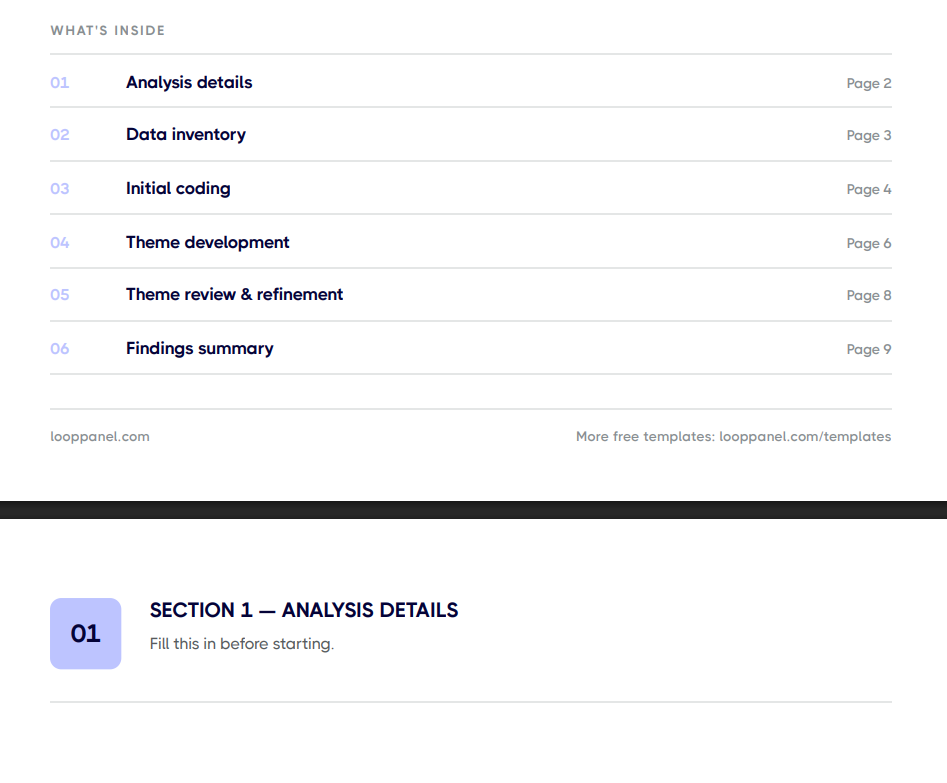
A thematic analysis template should include a data inventory to log sessions and sources, a coding log to record initial tags and where they appear, a theme map to group tags into candidate themes, a theme refinement section to review and finalize themes, and a findings summary to capture each theme with supporting evidence.
What is the difference between thematic analysis and content analysis?
Content analysis is typically quantitative, counting how often specific words or categories appear. Thematic analysis is qualitative, focusing on the meaning behind the data rather than its frequency. In UX research, thematic analysis is more common because it preserves the context and nuance of what participants said.
How many codes do you typically develop in thematic analysis?
In an initial coding pass of 5 to 8 sessions, it is common to develop 30 to 60 codes. Many of these will be consolidated as you move from codes to themes. The final number of themes typically ranges from 4 to 10, depending on the complexity of the topic and the number of sessions.
How does Looppanel support thematic analysis?
Looppanel auto-transcribes sessions and lets you tag themes with the help of AI, which replaces the manual coding step. Tagged themes are surfaced across all sessions from the tag view within minutes, so you can see which participants mentioned a theme, read the surrounding context, and pull supporting quotes without a spreadsheet.
Should research sessions be recorded for thematic analysis?
Yes, whenever participants consent to it. Recordings give you the verbatim source material that thematic analysis depends on. Also with Looppanel Notetaker, you can bookmark important moments during sessions followed by AI notes pulled for your thematic analysis guide.
Stay in the loop
Get the latest news and jobs in UX, in your inbox every two weeks.

.svg)


