
Research Screener Template: Free Participant Screener for UX Studies
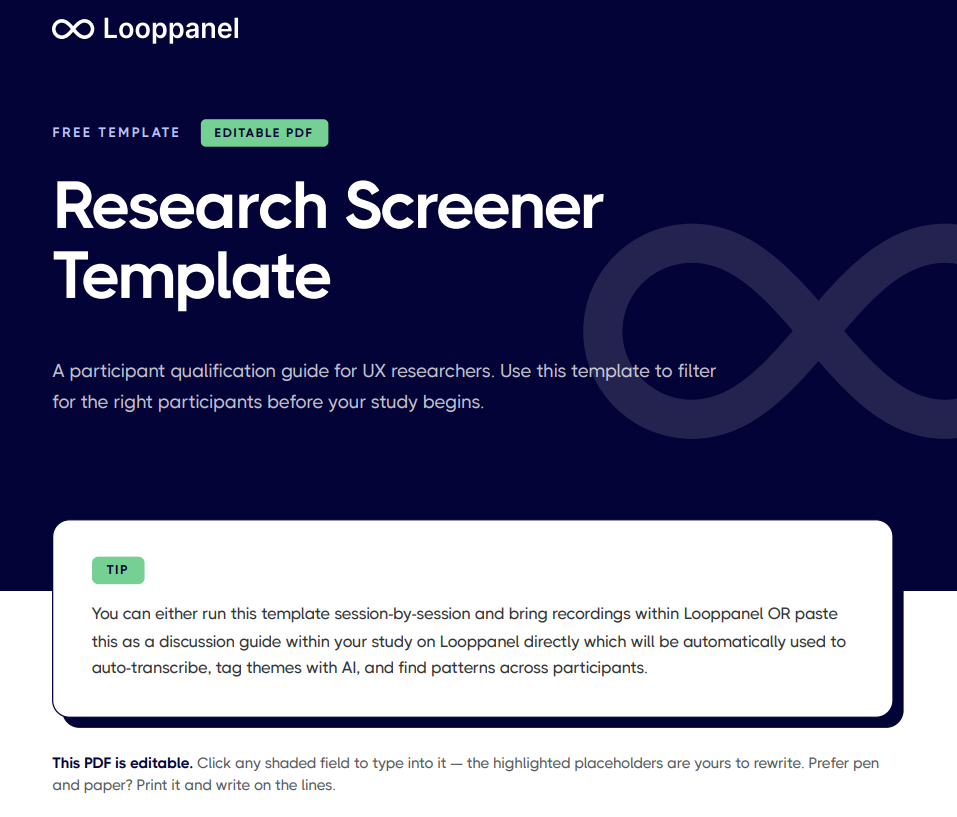
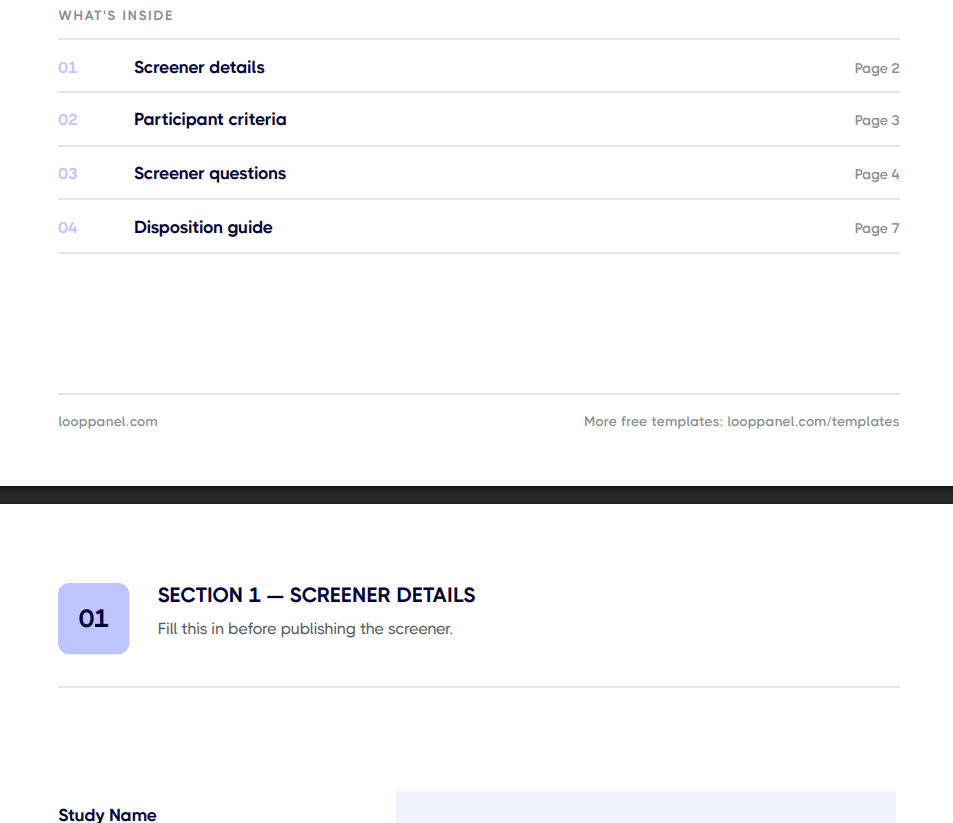
Recruit the right participants with the free research screener template in Looppanel, built for UX researchers and teams recruiting their own users. It covers demographic, behavioural, and disqualifying criteria and filters, so you aren't spending sessions on people who don't reflect your target user.





Frequently Asked Questions
What is a research screener in UX research?
A research screener is a short qualification survey sent to potential participants before a study. It filters for people who match your target user profile based on demographics, behaviors, experience level, or product usage. A good screener ensures your sessions generate relevant, usable data.
What questions should a research screener include?
A research screener should include questions about role or job function, industry, experience with the relevant product or task, frequency of relevant behaviors, and any disqualifying conditions such as working for a competitor. Keep it to 5 to 10 questions. A screener that is too long reduces completion rates.
How do you write a screener question without leading the participant?
Avoid mentioning the specific topic of your research in the screener. Use neutral language and offer a range of answer options rather than binary yes or no questions. Include a mix of qualifying and disqualifying criteria so participants cannot easily self-select to fit what they think you want.
How many people should you screen to recruit enough participants?
A common rule of thumb is to screen 5 to 10 applicants for every participant you need. If your criteria are narrow or your topic is sensitive, plan for a higher ratio. Factor in no-shows and reschedules when setting your recruiting target.
Should a research screener be anonymous?
Screeners typically collect a name and contact information for scheduling purposes, but should not ask for sensitive personal details beyond what is needed to qualify the participant. Be transparent about how the information will be used and store it in compliance with applicable privacy regulations.
How do you avoid screening bias in UX research?
Define your participant criteria before writing the screener questions, not after. Involve a second team member in reviewing the screener for leading or biased phrasing. Avoid over-filtering for highly articulate or tech-savvy participants unless that is genuinely your target user.
How does a research screener connect to Looppanel?
The screener is the first step in your research workflow. Once screened participants complete sessions, bring your recordings into Looppanel to auto-transcribe, tag themes with the help of AI, and surface patterns from the tag view within minutes.
Stay in the loop
Get the latest news and jobs in UX, in your inbox every two weeks.

.svg)


