

Researchers have leaned on thematic analysis for decades to make sense of interviews, surveys, and reviews.
Fun fact: It can take up to 120 hours if you’re running the analysis manually for a single 20-interview study. (P.S. Not fun if you’re actually living this nightmare.)
That’s three full weeks spent highlighting, re-reading, and arguing with yourself about whether "the onboarding felt confusing" and "I didn't know what to do first" are the same code or two different ones.
Though AI didn’t invent thematic analysis (that was Braun and Clarke, btw, back in 2006), it has changed the math on how long it takes to run the analysis. Most recently, AI has also split the whole tooling space into three distinct camps: the academic computer-assisted qualitative data analysis software (CAQDAS) veterans strapping AI onto decades-old software, the AI-native research repositories built from scratch, and a brand-new category that completely skips the “upload your transcript” step because they conduct the interview for you.
This begs the question: which tool do I pick? This post will help you figure out how to pick the right AI tool for thematic analysis, and the 10 best tools in the market right now.
But first, a bit of thematic analysis 101 (click here if you’d like to skip straight to the tool analysis).
Thematic Analysis 101
Thematic analysis is useful for finding patterns (or “themes”, hence the name) in qualitative data. It works on any pile of unstructured text—interview transcripts, open-ended survey responses, focus group discussions, app reviews, support tickets, community posts—where you care more about what people mean than how many people said it.
Braun & Clarke’s 6-Phase Framework (and where AI actually shines)
Braun and Clarke’s 6-phase framework (full research here) breaks thematic analysis into six phases. It’s still the most-cited structure in the field, and it’s worth knowing this because it’s the clearest lens for understanding where AI genuinely helps and where it’s still grasping at straws.
Deductive vs. inductive coding: what’s the difference?
Deductive coding means classifying data against a codebook that you already have. This is where general-purpose AI tools are comparatively strong: feed a codebook, and they’ll apply codes fast and consistently. Researchers still see occasional mislabelling and overgeneralization, but it’s a solid first pass.
Inductive coding, on the other hand, is letting themes emerge organically from the data without a predefined frame. This is where AI gets shaky, because it tends to cluster on wording rather than meaning. If two people describe the exact same frustration, but in different words, an LLM is more likely to miss that connection than a trained human coder.
The lesson here: you can trust AI for deductive coding against a codebook you control. But treat AI-suggested inductive themes as a rough first draft that needs your approval on every excerpt. This is also why “can I actually see the excerpt behind this theme” is one of the most important features to check before you buy a tool for thematic analysis.
Looppanel lets you stay in the loop😉: be it bringing your own list of tags for deductive coding, or letting the AI suggest one inductively when you're starting from scratch.
How to evaluate AI thematic analysis software: 9 things to check
Before you hit the search for “best software for thematic analysis”, run your requirements through this checklist:
Coding model
Do you need inductive, deductive, or hybrid coding? Most AI-native tools default to inductive-only. If you need to code against your own framework, ask specifically.
AI-assist transparency
Can each AI-generated code or theme be traced back to the exact excerpt it came from, or is the tool bringing in insights it pulled from The Void (a little Loki reference, if you will)?
This is the single biggest differentiator in 2026, because researchers who used AI for thematic analysis said they simply didn’t trust the output enough to skip manual verification. Traceability is the key to building trust in your tool.
Codebook management
Can you merge, split, and nest codes as your understanding evolves? This is standard in academic CAQDAS.
Data types supported
Does the tool support text only, or does it support native audio/video as well? Some budget tools are text-only, full stop.
Query & retrieval
Can you search the whole corpus, filter by participant, and see which codes tend to show up together in the same excerpt (e.g., does "pricing confusion" usually appear alongside "considered switching")?
Reflexivity/memo support
Can you document why you made a call, not just what the call was? This feature is rare in AI-native tools, but standard in academic ones.
Corpus source
Does the tool just analyze what you already have, or does it help you collect better data in the first place (adaptive AI-moderated interviews, for instance)? You can decide which trade-off actually fits your research before assuming that “AI moderators” is the best option. A live researcher can read a pause, follow an unplanned tangent, or adapt tone for a sensitive topic in ways an AI moderator still can’t reliably replicate.
Where does your data go?
General-purpose AI tools often don’t meet requirements for handling identifiable participant data. Worth a five-minute check before you upload anything.
AI agent connectivity (MCP)
Can your team ask Claude or ChatGPT directly for answers grounded in your research, without you having to log into a separate tool and dig? MCP is a genuinely new axis in 2026, that lets AI assistants pull from your actual data. Worth asking any tool you’re evaluating whether this is on their roadmap.
Looppanel shipped this recently: connect it once, and Claude/ChatGPT/Cursor can answer your queries with real quotes and session-citations.
The 10 best AI thematic analysis tools
Quick Comparison Table
Looppanel
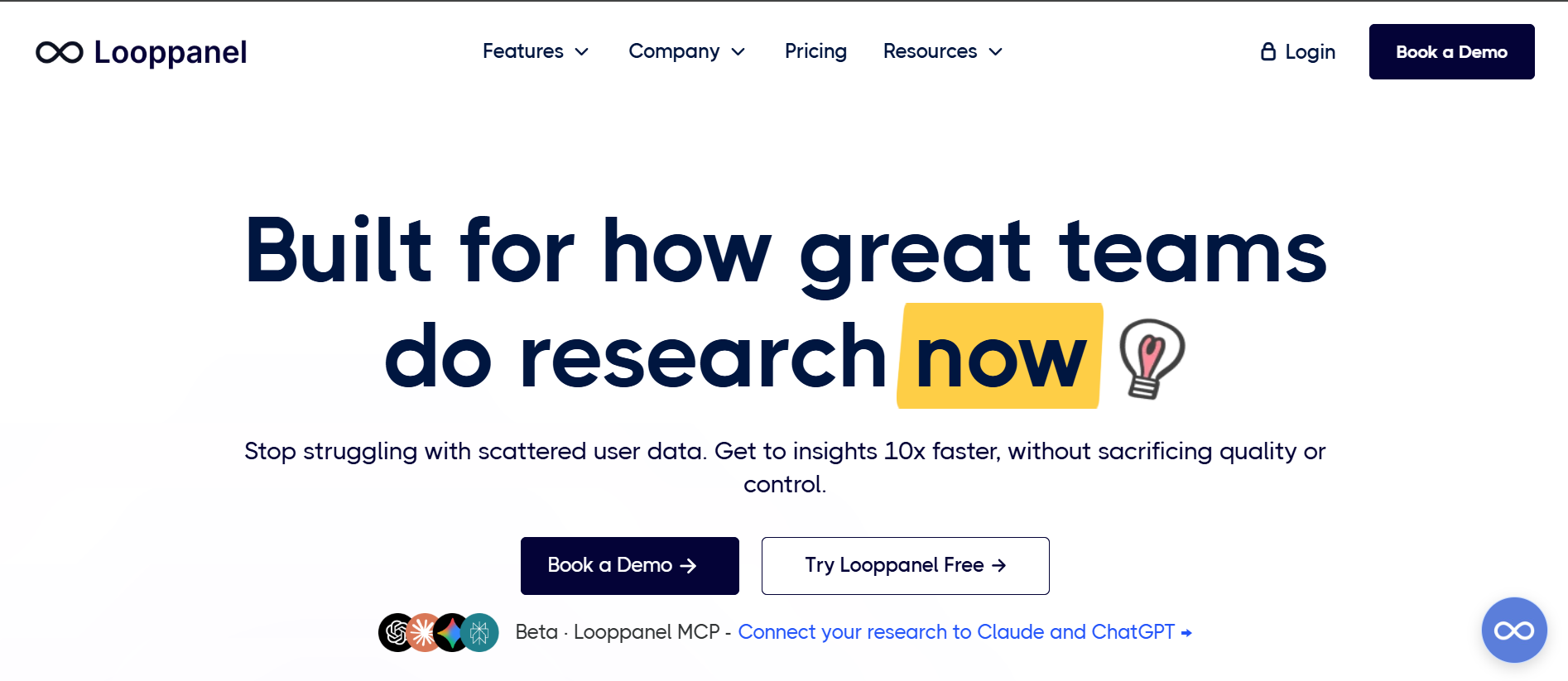
Looppanel is a UX research repository built around automatic interview transcription, AI-assisted tagging, and thematic clustering; a centralized repository for qualitative research. It’s best for teams that already run live interviews (virtual, in-person) and want a serious AI layer for analysis without handing the actual conversation to a bot.
AI capabilities
- Automated transcription and note-taking mapped to your discussion guide
- AI notetaking on live calls
- Auto-translation in 90+ languages
- AI tagging that clusters by theme
- Video/clip snipping tied directly to those themes
- Smart search across every project you’ve ever run
- MCP support (beta): Connect it to to Claude or ChatGPT to get answers straight from your actual research without you leaving the chat
- Panel Management (beta): Manage your participants centrally and close the loop where all the participants are tagged to the sessions and analysis
Honest trade-off
Looppanel handles analysis only for qualitative research at the moment.
Pricing
Pro plan around $395/month, or $4,200/year for 5 editors
NVivo
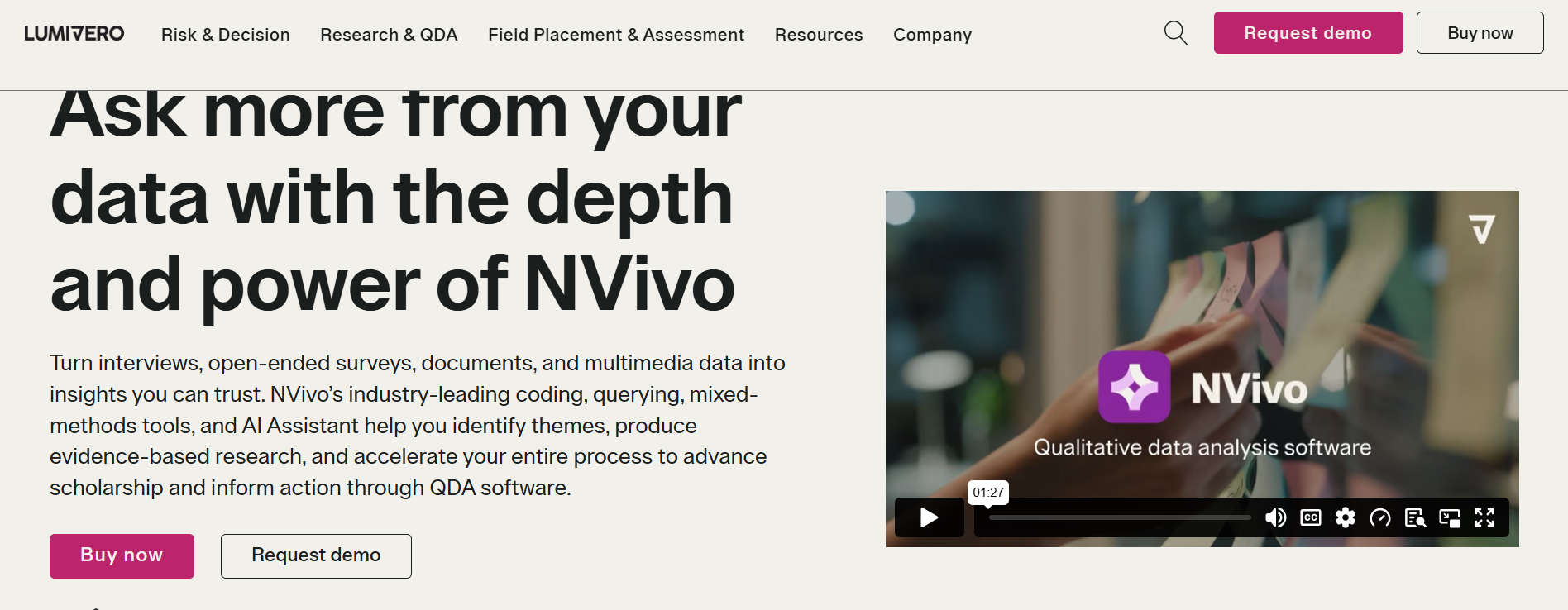
NVivo is the longest-standing CAQDAS tool in the game, now under Lumivero, built for research that has to survive committee scrutiny. It’s best for dissertation work, funded research needing an audit trail, public-sector evaluations where "how did you get to this conclusion" is a question you need to answer with receipts.
AI capabilities
- AI Assistant that suggests codes and summaries
- Automatic multi-language transcription
- Solid text visualization
Honest trade-off
It’s consistently the lowest-rated out of the major tools on ease of use: 7.6 versus ATLAS.ti’s 9.0. NVivo could slow you down if your job is turning 15 interviews into a stakeholder deck by tomorrow.
Pricing
Pricing starts at $530/year up to $982/year. NVivo also offers a one-time pricing option.
ATLAS.ti
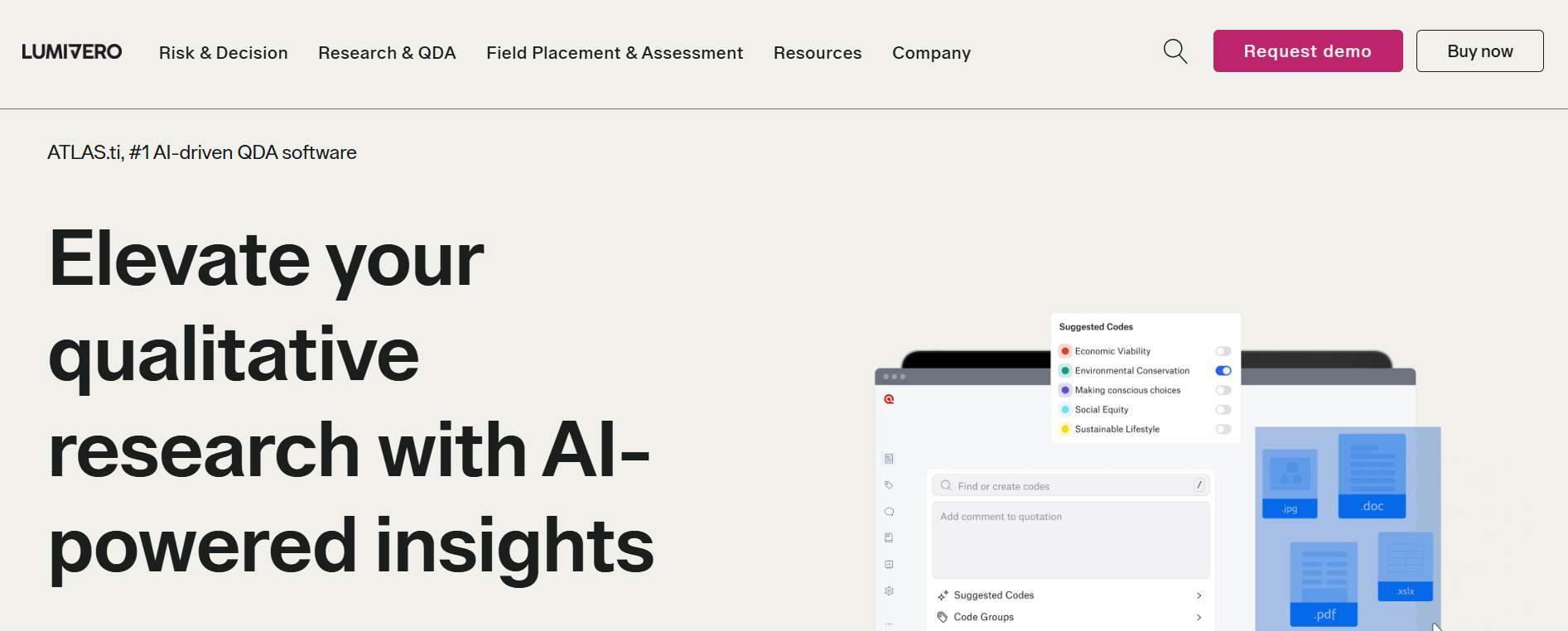
ATLAS.ti is also owned by Lumivero, academic-grade yet consistently rated as the easier, better-supported option compared to NVivo. It’s best for large qualitative datasets (think 70+ interviews), theory-building, teams that want real AI coding and offline performance.
AI capabilities
- AI Coding for first-pass labeling
- AI summaries
- Automatic sentiment/concept/entity coding
Honest trade-off
It still needs a human touch: reviewers are pretty candid that AI output “needs adjustment” before it’s usable.
Pricing
Pricing is custom with discounts for academic researchers and students.
Dovetail
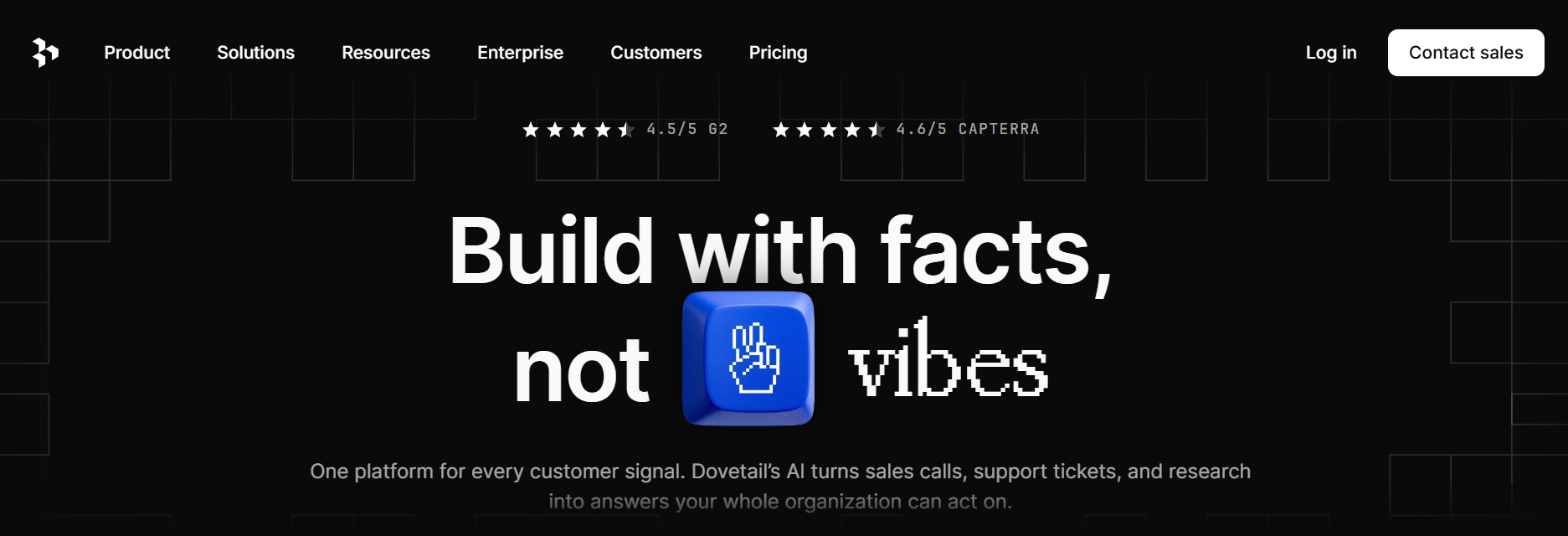
Dovetail rebranded itself as a “Customer Intelligence” platform as of October 2025, expanding further in July 2026 with AI agents and AI personas built from real calls, tickets, and research that you can query directly. It’s best for organizations that want one AI-native layer sitting across sales calls, support tickets, surveys, reviews, and research—not just UX research specifically.
AI capabilities
- AI Contextual chat (scoped Q&A over your data)
- AI Docs (auto-generates PRDs, Voice-of-Customer reports)
- AI agents that reasons over your data
- “Digital Twins” that lets you effectively converse with a synthesized persona built from real research rather than reading a report about them
Honest trade-off
The repositioning means that Dovetail is angling at a broader “customer intelligence” category that includes CX platforms, which could make it feel like overkill (and overpriced) if all you actually need is UX interview analysis. Pricing tiers have also left users annoyed: one reviewer described “a near 4x leap in costs” when their former plan went for a restructure.
Pricing
Free tier available, enterprise has custom pricing; though worth re-confirming given the scale of the recent platform expansion, as pricing structures often shift alongside repositioning like this.
Marvin
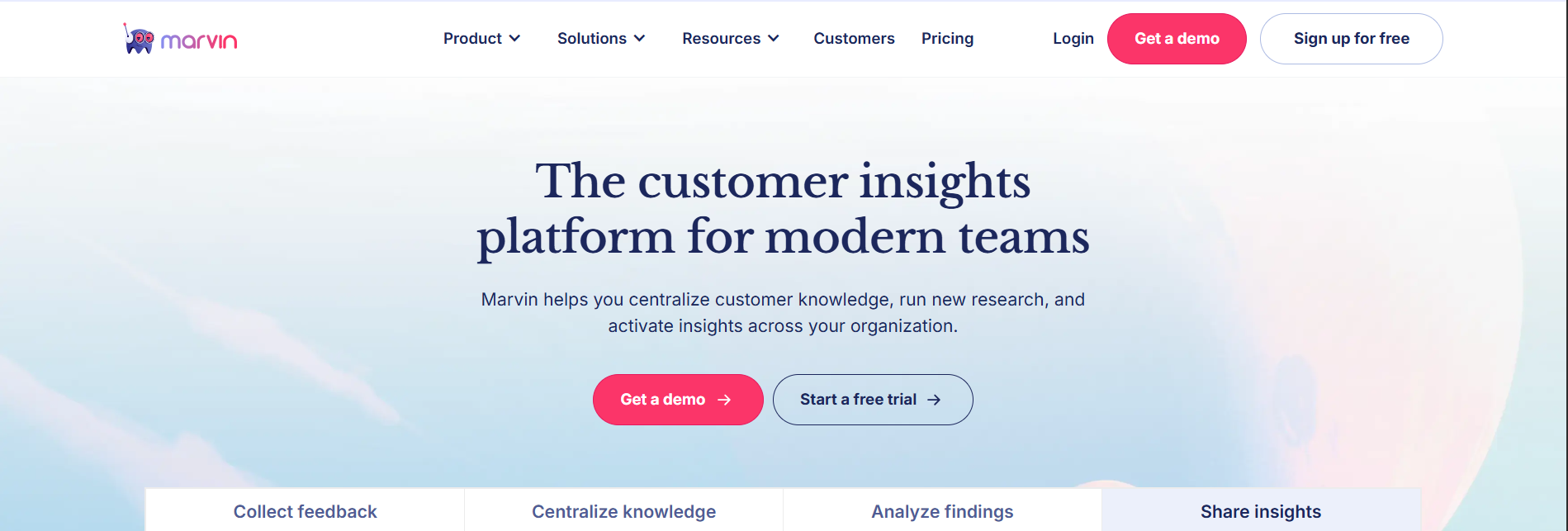
Marvin is less of a storage and more of a “co-researcher” platform; a natural-language interface sitting on top of your interviews, notes, and tags. It’s best for research ops teams and cross-functional orgs where PMs and designers need to self-serve answers, not just researchers.
AI capabilities
- Conversational Q&A over your full research corpus
- Automated tagging
- AI notetaking on live calls
- Video-clip-linked insights ready to drop into a stakeholder deck
Honest trade-off
Navigation is a recurring issue. Reviewers describe getting “lost” looking for a specific recording. Also, storage or transcript limits force an upgrade, not the seat count, making budget forecasting a nightmare.
Pricing
Free tier available, custom pricing across tiers.
MAXQDA
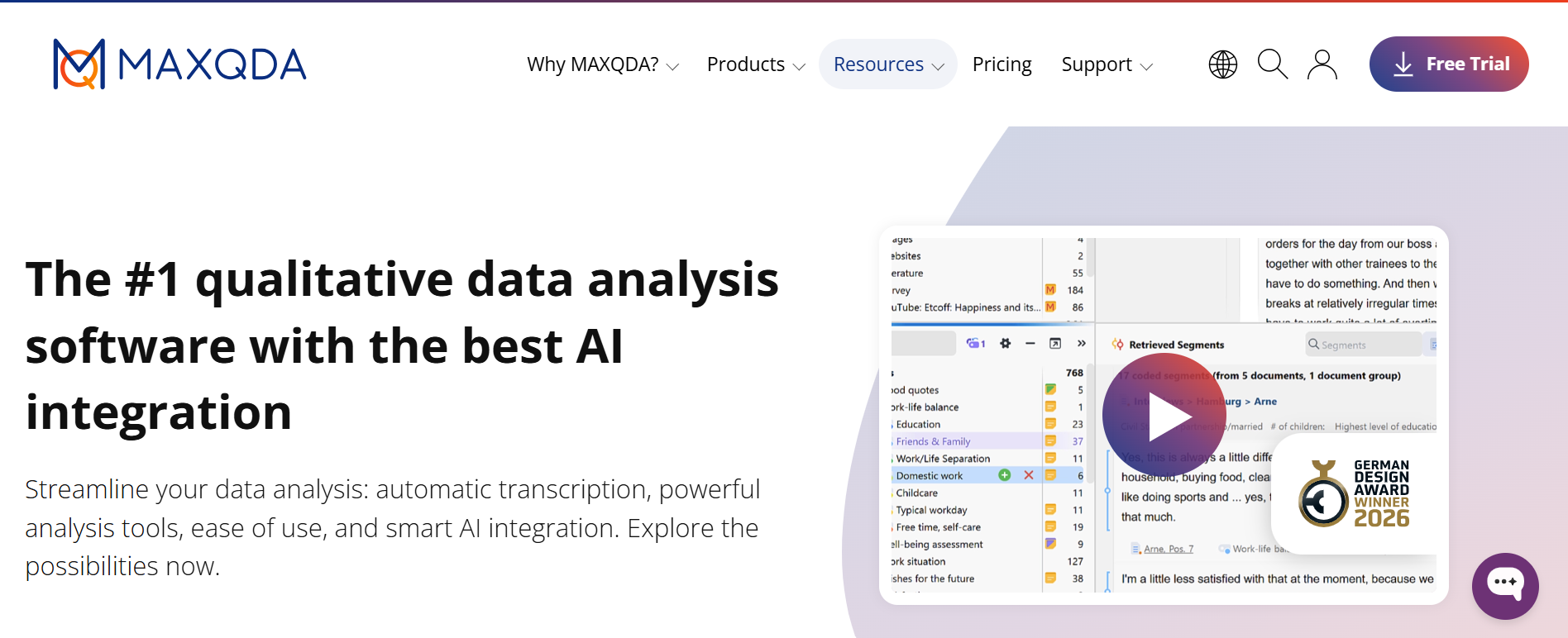
MAXQDA is a desktop-first CAQDAS tool built for people who need qualitative coding and statistical analysis without exporting to SPSS separately. It’s best for mixed-methods studies combining coded qualitative data with quantitative variables.
AI capabilities
AI Assist add-on offers coding suggestions, summaries, and a chat function over your coded data
Honest trade-off
AI Assist is bolted onto a fundamentally manual architecture; you're still coding document by document. Collaboration is also a genuine pain point: base licenses are single-user, and real teamwork needs the paid TeamCloud add-on, which reviewers consistently describe as "not as seamless" as cloud-native tools.
Pricing
Academic priced at ~$270 per year for the base edition; TeamCloud is a separate add-on
Thematic (GetThematic)
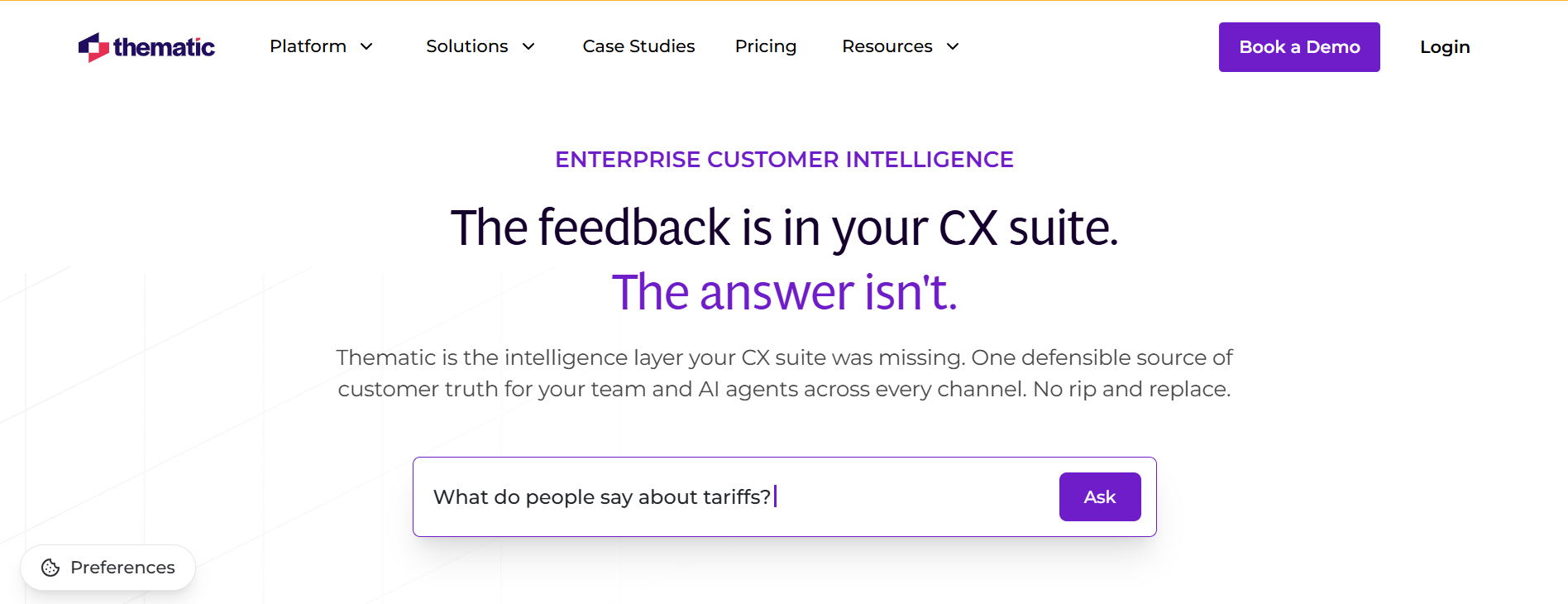
Thematic is an enterprise feedback analytics platform unifying surveys, tickets, calls, reviews, and social data into one “customer truth” layer, not a per-interview tool. It’s best for enterprise CX and insights teams processing tens of thousands of comments continuously, who need every theme defensible back to the raw comment.
AI capabilities
- A deliberate hybrid of generative AI and traditional NLP (built specifically to control drift and hallucination, not just chase the AI trend)
- Direct integrations with Medallia, Qualtrics, and Snowflake.
Honest trade-off
It’s not built for a 15-interview study or more. Pricing and scale assume that you're an enterprise.
Pricing
Starts at $25,000 per year (Foundation), custom beyond that
Delve
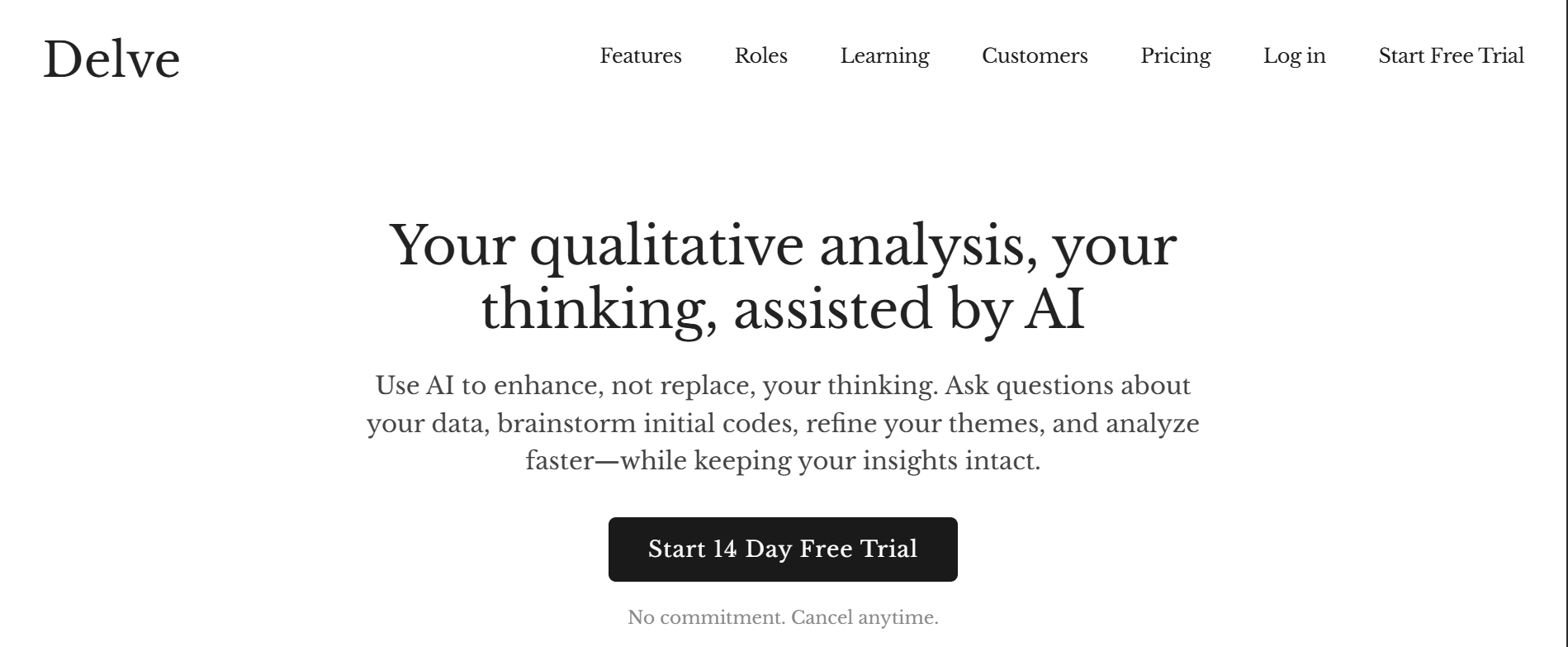
Delve is a web-based coding tool that looks with an easy learning curve: upload a transcript, highlight, and assign a code from a side panel. It’s best for students, doctoral candidates, and small teams who want real-time shared coding without an annual commitment or a training week.
AI capabilities
- AI suggestions, not autonomous coding
- Rare bonus: A built-in Cohen's kappa calculator for teams that need to report intercoder reliability.
Honest trade-off
It’s lighter on visualization and analytical depth than the big academic tools. It wouldn’t be the right pick for 100+ document corpora or heavy theory-building.
Pricing
Education ~$18/month; Standard ~$50/month; genuinely monthly, no forced annual lock-in.
Conveo
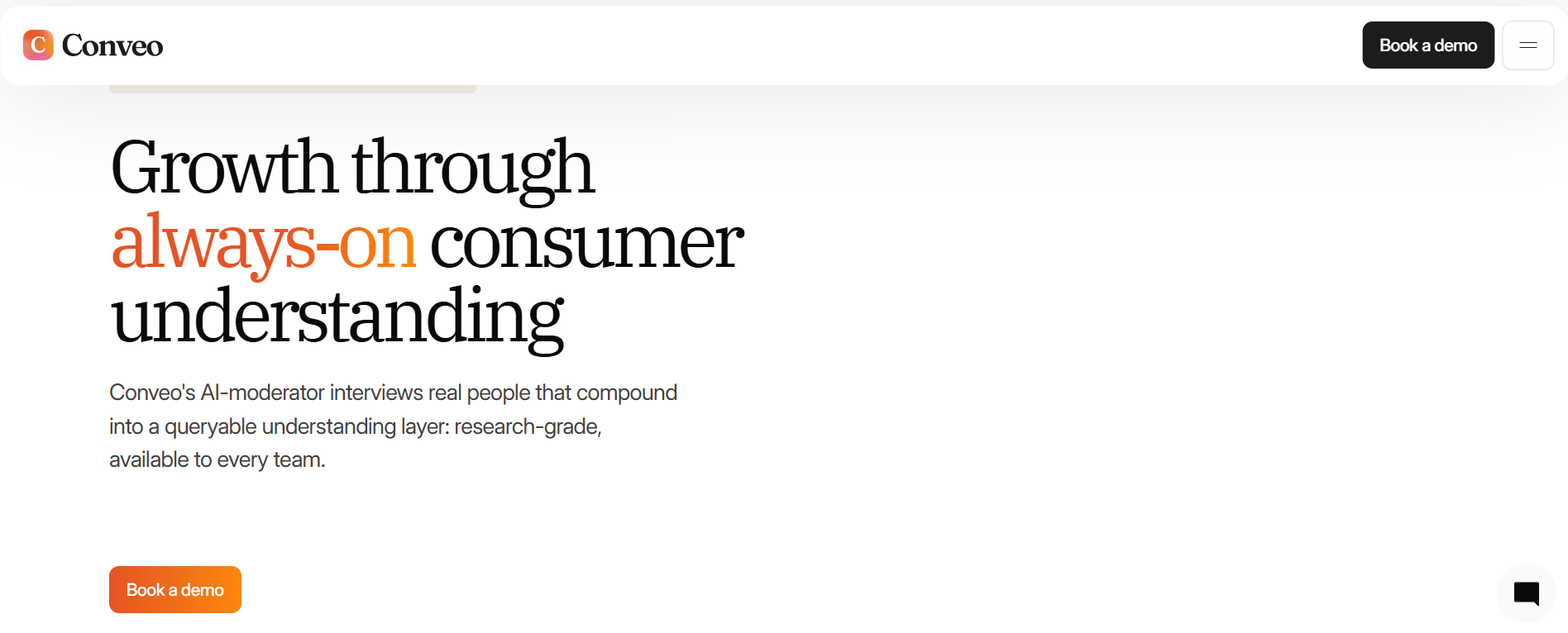
Conveo is an AI-moderated interview platform where the AI runs the conversation and the analysis, eliminating the transcript-upload step completely. It’s best for teams that want to kill the coordination overhead entirely: no scheduling, no no-shows, no live moderator needed.
AI capabilities
- AI-moderated voice/video interviews in 50+ languages
- Live transcription and translation
- Multimodal analysis across speech, tone, and visual context
- Theme clusters linked straight back to the source clip.
Honest trade-off
If you specifically need a human moderator (sensitive topics, ethnographic depth, accessibility considerations), this isn’t a faster version of your existing method, it's a genuinely different one.
Pricing
Custom pricing, scaled to research volume
Taguette
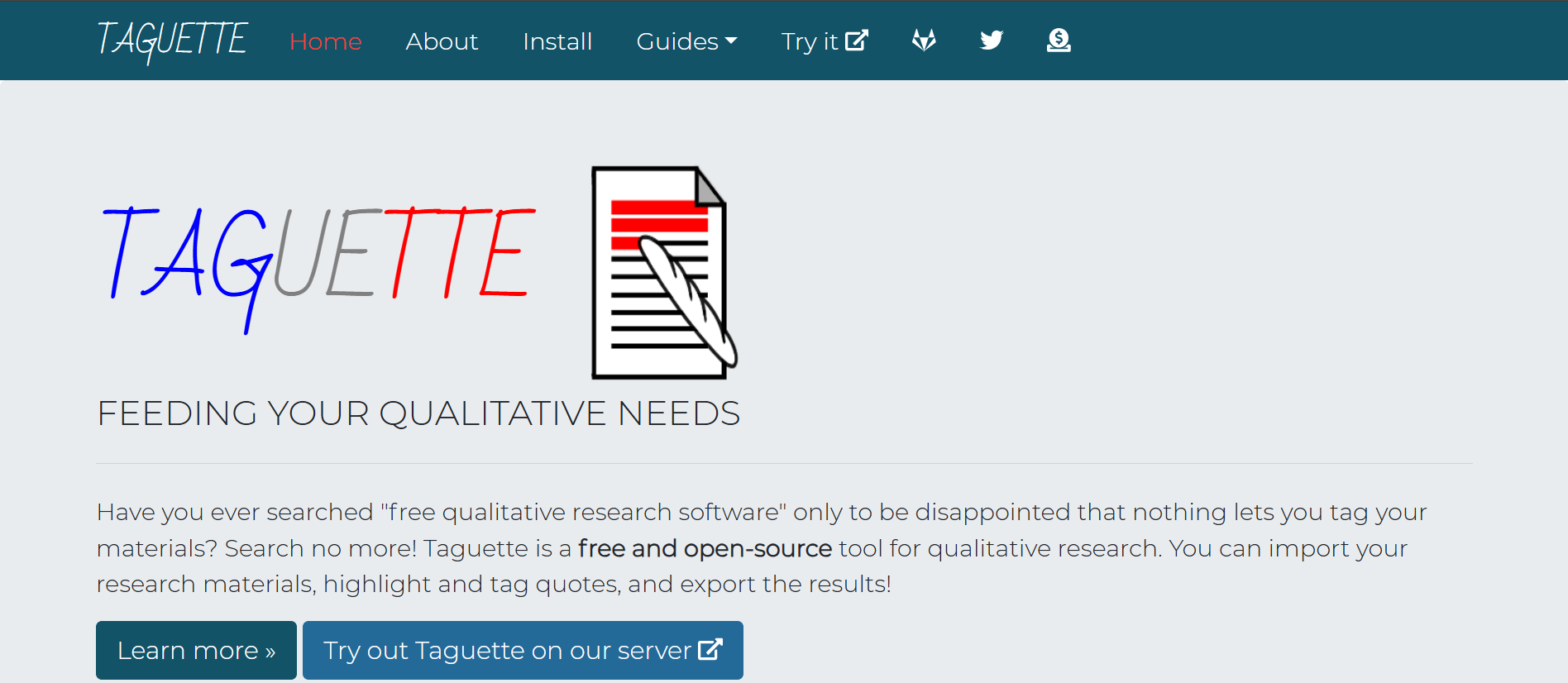
Taguette is a manual coding tool at the true budget end. It’s free and open-source. It’s best for zero-budget student projects, classroom teaching, or anyone who's decided they don't want AI in the loop yet.
Honest trade-off
It has no AI: no automated first pass, no theme suggestions. This is the honest answer for anyone who reads this whole post and thinks "actually, I just want to do it myself."
Pricing
Free (but you pay in time)
The decision framework: Match your situation to your tool
Before you commit to purchase, ask yourself these four questions to assess your situation in a better way:
- What data do I actually have? (text only, or audio/video too)
- Do I need speed (ship insights this week) or rigor (defensible to an audit committee)?
- Who’s actually using this weekly? (One researcher, two designers, or a team of PMs)
- What’s my migration risk? (Is your data portable, or are you locking yourself into a tool’s file format)
Before we end, there’s another elephant in the room we gotta address…
Can AI actually do thematic analysis?
It can (but there are a few T&Cs):
Reliability
Cohen’s kappa measures coder agreement correcting for chance. The standard bands (Landis & Koch, 1977): 0.61–0.80 is "substantial," 0.81–1.00 is "almost perfect." It’s a useful convention, not statistical law. Kappa could mislead you when one code dominates the dataset, so use the table, don't worship it.
The “Corpus” Problem
AI can only find themes that exist in what you actually asked. If your discussion guide never touched pricing friction, no AI will surface pricing friction as a theme.
ChatGPT vs. Claude
It actually feels like this:

ChatGPT is fast and great for a gut-check on a single transcript, but it’s not reliable when it comes to showing which passage produced which theme. Claude handles longer/multiple transcripts more completely without the same chunking problem.
However, neither has a persistent codebook or built-in reliability stats.
A quick ethical note
Privacy, bias, transparency, human oversight, data quality, and consent all matter arguably more than pre-AI era, since AI makes it easier to move fast and skip the parts that keep research honest.
So that’s the full landscape as it stands in 2026. Pick a tool based on what you actually have (interviews you’ve already run vs. repository sprawled across five tools vs. a blank slate), not based on who has the biggest logos or the shiniest demo.
Your peers also ask
How accurate is AI thematic analysis compared to a human researcher?
It depends heavily on inductive vs. deductive coding. AI thematic analysis can be strong and consistent on deductive coding against a defined codebook, while there could be documented gaps on inductive discovery, especially with rare or theory-critical codes. Best practice: AI-assisted, always with human review.
How long does AI thematic analysis take vs. manual coding?
Roughly 80–120 hours manual for a 20-interview study, versus roughly 4–8 hours AI-assisted (including review). Treat both as ranges, not guarantees.
What's the difference between thematic analysis and sentiment analysis?
Sentiment analysis tells you how people feel (positive/negative/neutral). Thematic analysis tells you what they're actually talking about and why. Several modern tools now do both, but they're answering different questions.
How much researcher oversight does AI thematic analysis still require?
It requires meaningful oversight throughout. Check AI-suggested codes against source excerpts (especially for inductive work), watch for merged or hallucinated themes, and validate a representative sample rather than trusting the full output blind.
How many interviews do you need for thematic analysis?
Near-saturation (~90% of codes) typically shows up around 15–23 interviews, depending on how homogeneous your population is; true saturation can take 30–67. High-level themes often plateau earlier, around 10–12.





.svg)


